- Click the following button which brings you right into Microsoft Teams:
 Add in Microsoft Teams
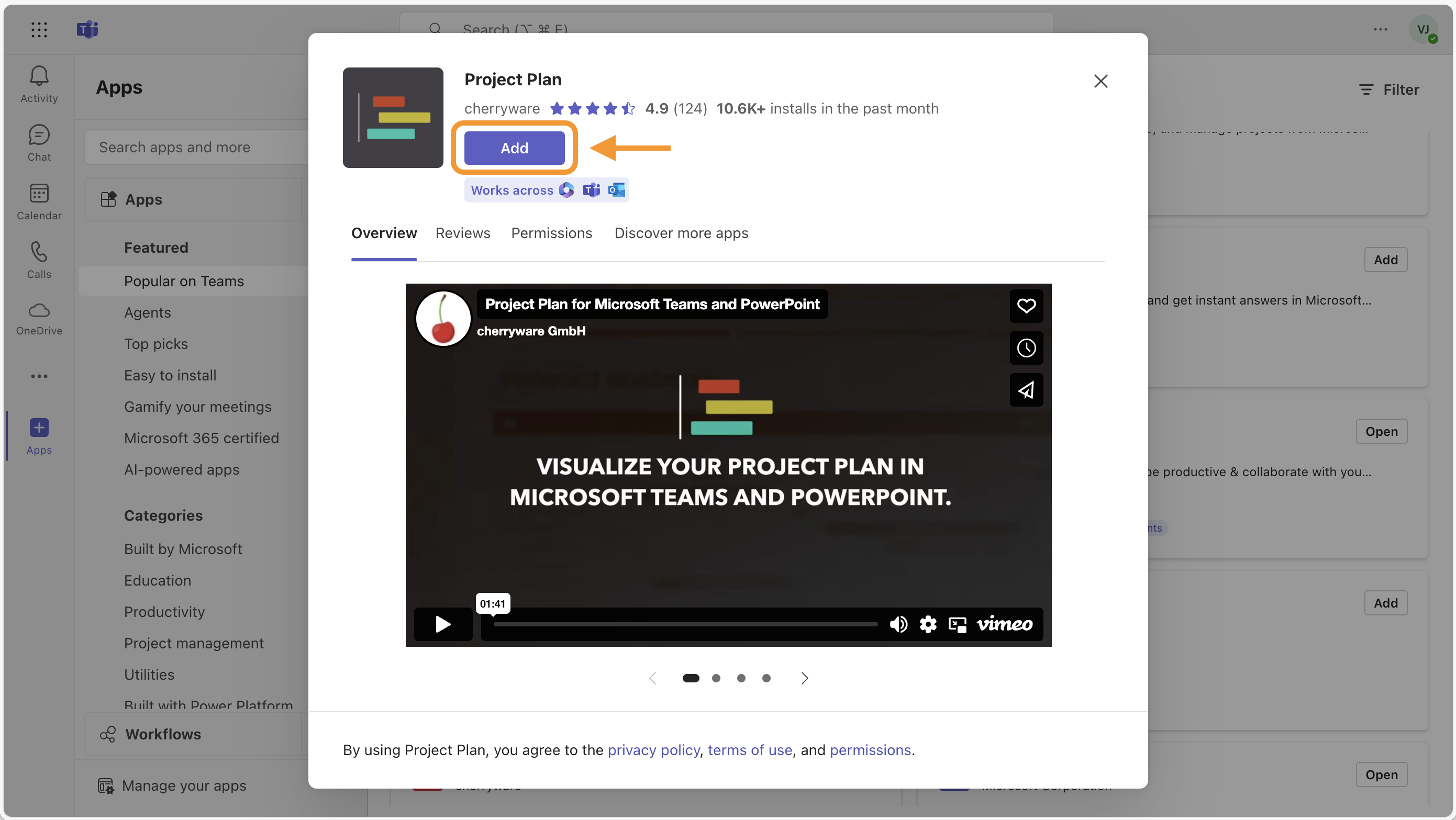
- Click the Add button.
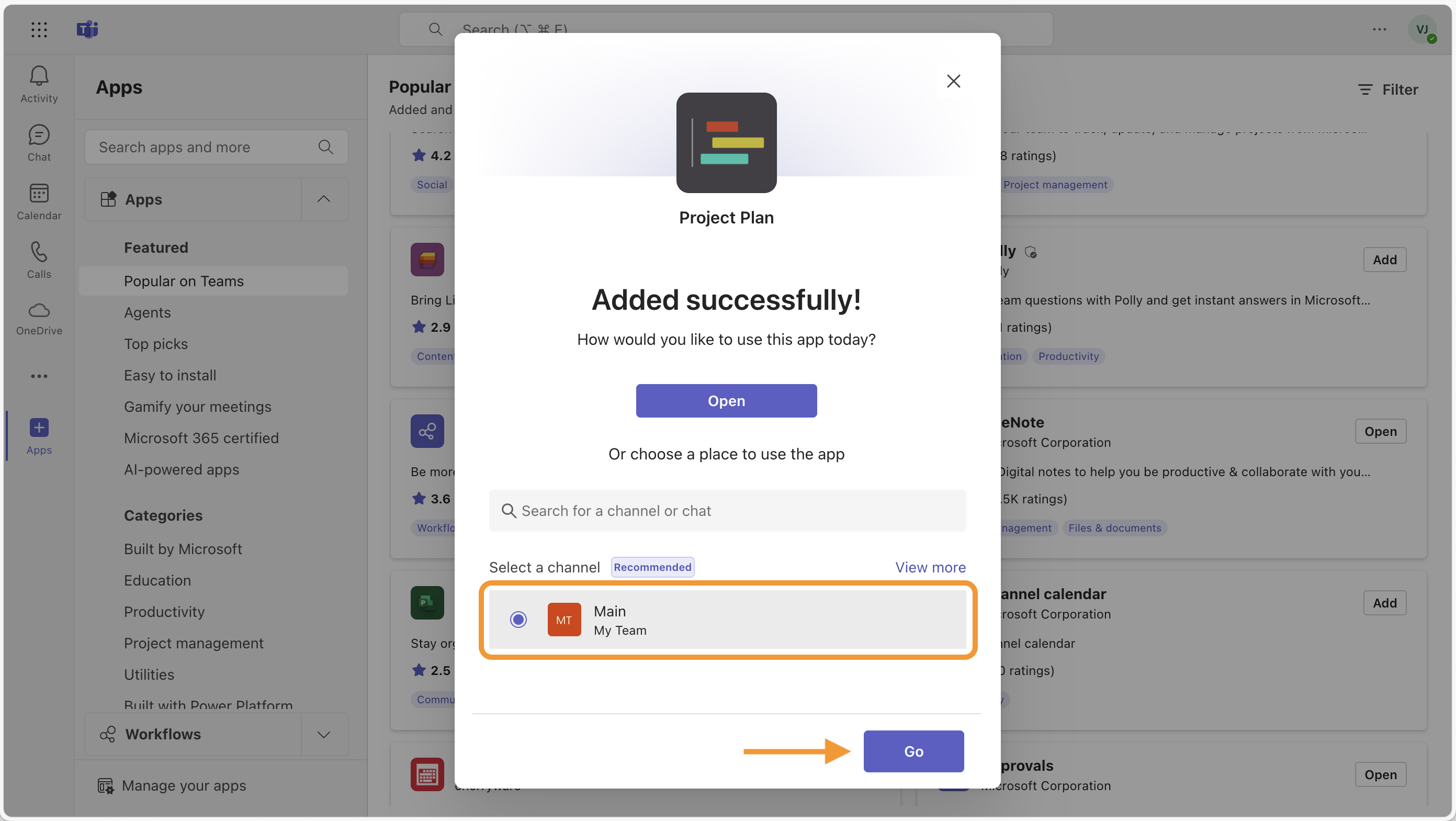
- First, select a channel or chat where you would like to add Project Plan. Then click Go.
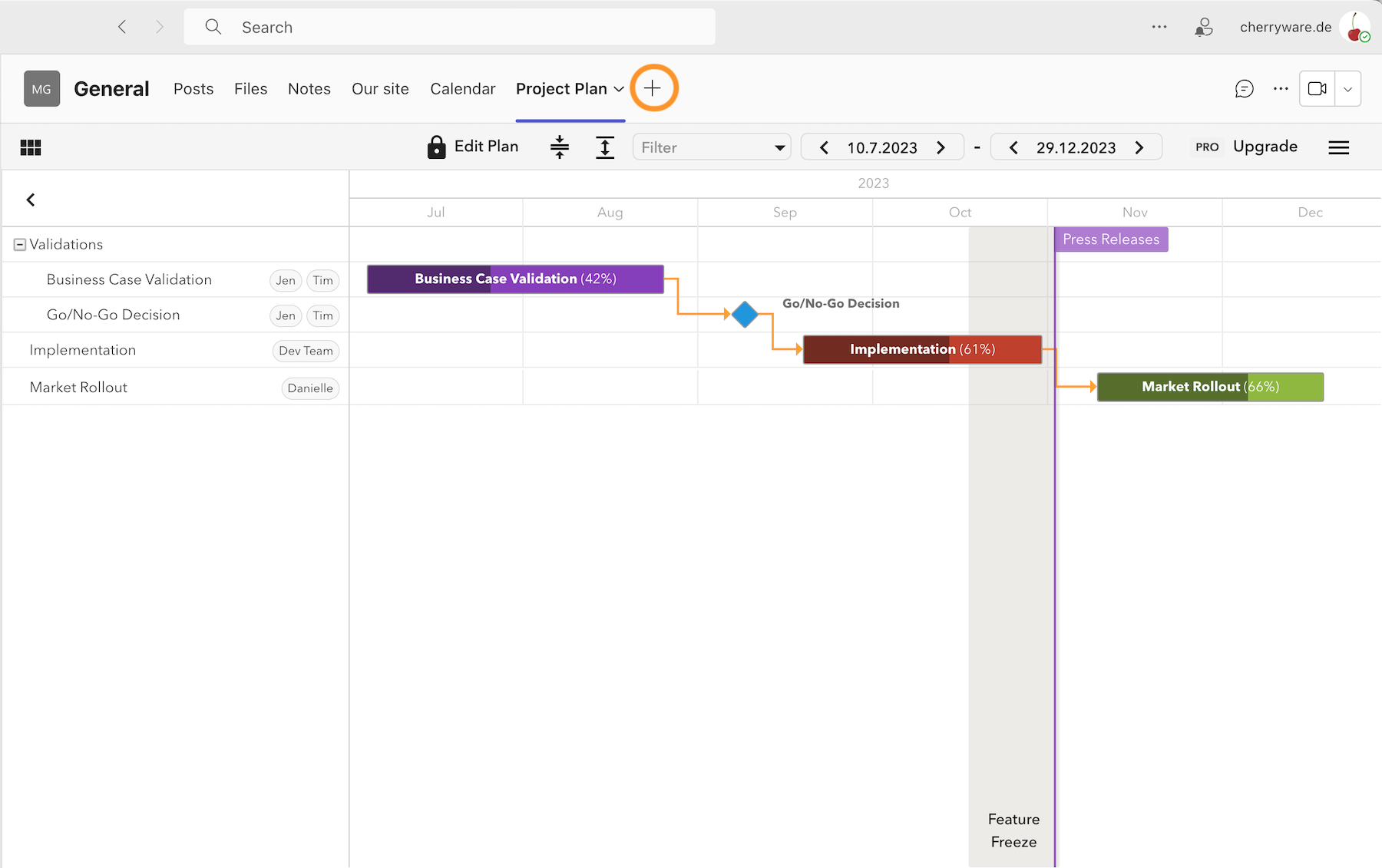
- If you would like to add another plan in a channel, press the plus button, to add the Project Plan app to your channel once again.